Get hours back
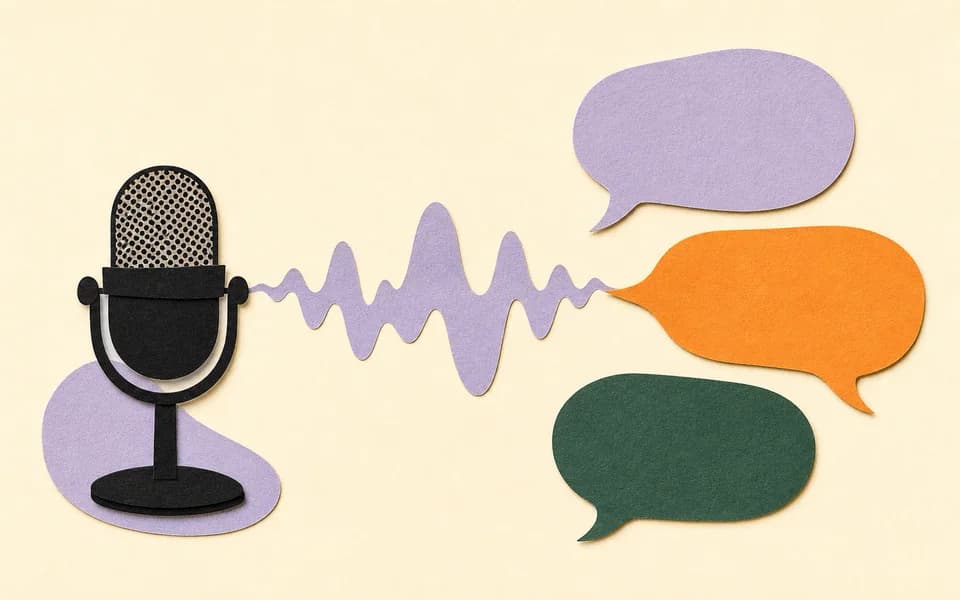
Say the whole idea in one go. What took minutes of typing is said in seconds.
AI voice dictation
What’s a keyboard?
Less time typing, fixing typos, and clearing up misunderstandings. Parlate is AI voice dictation: speak naturally and your voice becomes clear text, ready to use in any application on your Mac.

Why Parlate
You speak at about 150 words per minute. On a phone keyboard you barely reach 40, and then come the corrections.
Say the whole idea in one go. What took minutes of typing is said in seconds.
Parlate punctuates, removes filler words, and fixes as you go. Nothing to patch up later.
The message comes out organized, with your intent intact. Fewer follow-up questions.
It works where you already write: messages, email, notes, documents. You stay on your thing.
How dictating feels
It runs on its own: pick an app if you like and watch a real dictation become ready-to-send text, no special commands.
Today, 2:47 PM
Tomorrow’s to-dos
What you said
Ready to send
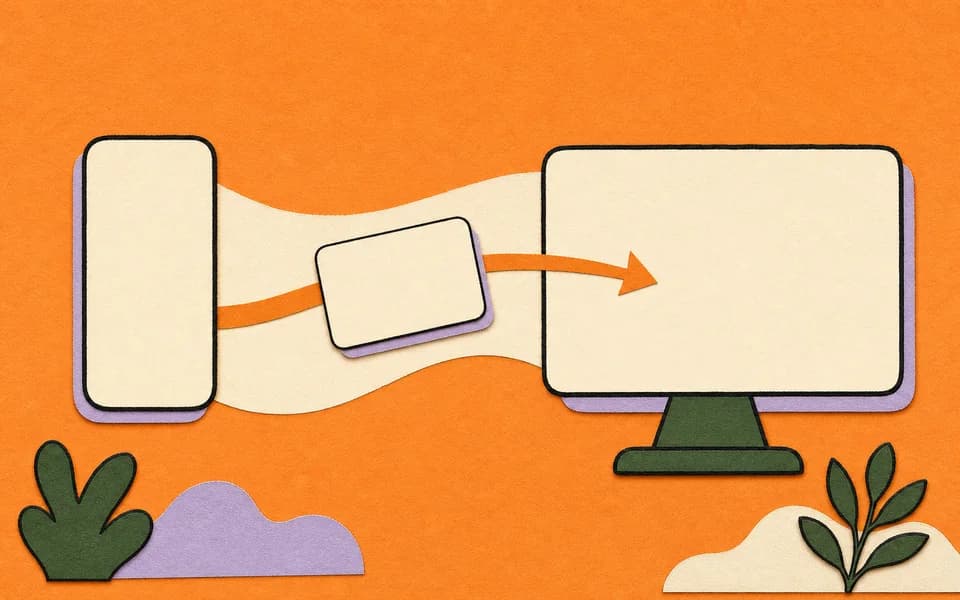
You talk and the text writes itself
Voice dictation on your phone
This is the real product: you dictate and the text appears where you were already writing.
Frequently asked questions
Parlate is ready to download for Mac, Linux, and iPhone from this page. Windows and Android are on the way.
The experience is designed to turn speech into text across everyday messages, documents, code, and work flows.
No. Speak naturally; Parlate organizes punctuation, removes repetition, and preserves your intent.
System dictation transcribes word for word: it hands back exactly what you said, filler words and all, with no punctuation. Parlate adds a layer of AI on top: it punctuates, drops the “um” and “you know” and the false starts, and delivers the message already written.
With a keyboard shortcut, right where you were already typing. Hold it, speak naturally, and when you let go the text lands at your cursor. No second window, no copy and paste.
Yes. Parlate processes the audio in the cloud so it can hand back clean text on the spot, so it needs a connection while you dictate.
Parlate is available for Mac, Linux, and iPhone today. The Windows and Android versions are in development and will be announced on this page.
The website does not process audio. Product-level technical and privacy details will be published with the downloadable releases.
Available for Mac, Linux, and iPhone. Windows and Android coming soon.